Prevent Duplicate Dental Recall Messages: A 2026 Guide
Prevent duplicate dental recall messages by syncing your PMS with outreach tools and auditing patient lists in the USA for accuracy and compliance.
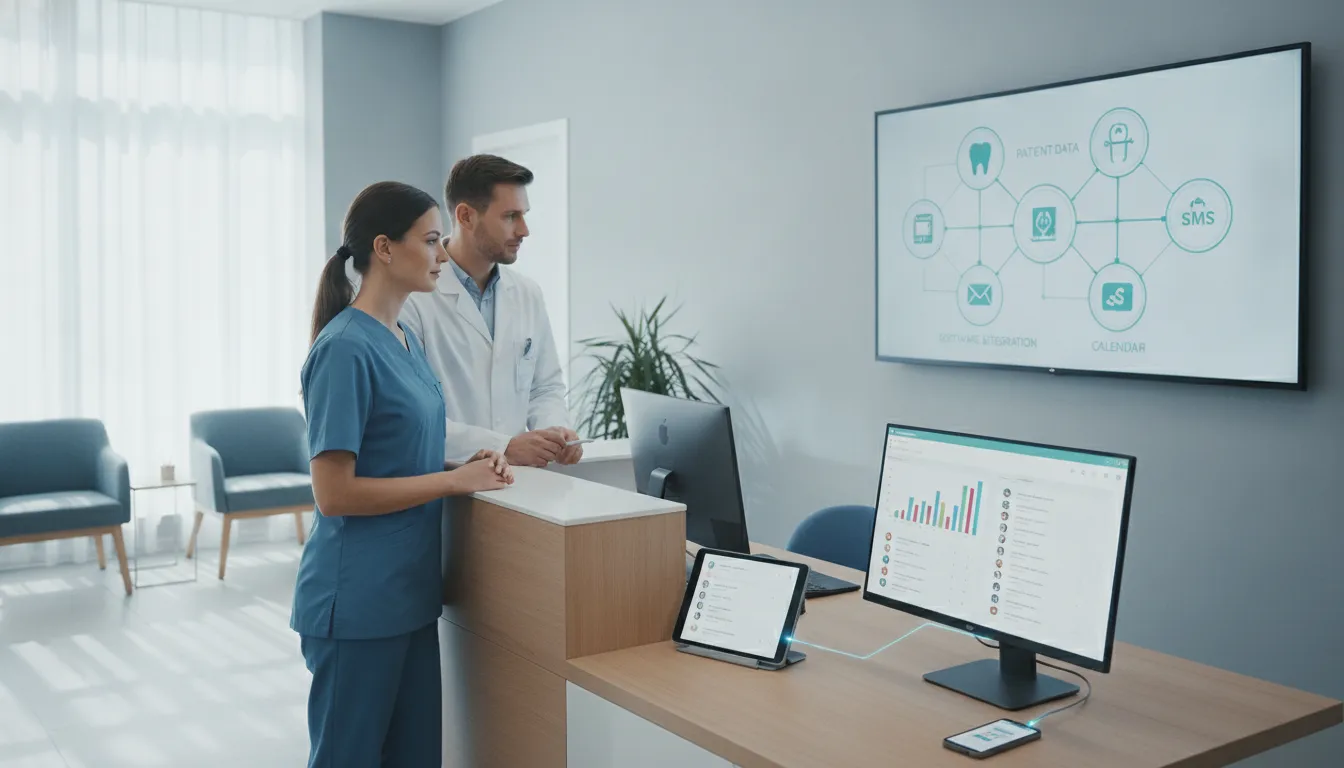
Summary: To prevent duplicate dental recall messages, ensure your outreach system synchronizes in real-time with Open Dental to check for existing appointments and opt-outs before sending messages. Implement skip logic to avoid redundant communication, maintain data hygiene through regular audits, and use platforms with bidirectional sync to update appointment statuses automatically, reducing manual errors and enhancing patient trust.
Your front desk team can burn hours clearing recall lists by hand, then hear from a confused patient who got three texts about the same visit. If your automated outreach does not sync with Open Dental in real time, you lose more than time. Patients start tuning out your messages, and that trust gap can spread fast. The first rule is simple: check for an existing appointment or a prior opt-out before sending anything. That check is what people mean by skip logic. When you learn how to prevent duplicate dental recall messages, you protect your sender reputation and make each message useful instead of annoying. Without that guardrail, uncoordinated campaigns stack up and trigger opt-outs and complaints. Built-in Open Dental tools and outside AI platforms like Clinads can both work, but only if the automation reads live appointment status before it sends.
Key Takeaways
- Synchronize status in real time: Have your outreach system check Open Dental for any existing appointment in the next 90 days before it sends a recall message. That blocks duplicate outreach.
- Prioritize data hygiene: Review your patient database every quarter. Remove bad numbers, deceased patients, and anyone who has opted out, since poor data causes most of the stubborn duplicate and failed messages.
- Map procedure codes correctly: Give primary procedure codes to the right recall sequences so a patient with several needs does not get mixed reminders that clash with one another.
- Implement bidirectional sync: Use platforms that write confirmed appointments back into Open Dental automatically. If staff enter them by hand, the gaps stay open and duplicate reminders show up later.
- Honor opt-outs immediately: Sync your do-not-contact list across every channel at least every 4 hours. People who unsubscribe should stay out.
At a Glance
| Strategy | Goal | Primary Benefit |
|---|---|---|
| Skip Logic | Cut redundant messages | Keeps patients from getting annoyed and opting out |
| Real-time Sync | Update appointments instantly | Stops double-bookings and confusion |
| Data Audits | Keep lists accurate | Helps messages get delivered |
| Code Mapping | Assign sequences cleanly | Prevents clashing recall reminders |
How do I set up skip logic to stop duplicate messages?
To stop duplicate messages, set your outreach system to ask Open Dental whether a patient has a scheduled appointment in the next 90 days. If it finds one, skip the recall sequence. If the patient books after the first message goes out, cancel the rest right away. That conditional rule, called skip logic, is the basic defense against over-messaging.
If you use the built-in features, set your Recall List (Open Dental, 2023) so it leaves out patients with future appointments. That keeps those patients from being pulled into new recall reminders. External platforms often need clear mapping so they read the "appointment status" field correctly in Open Dental. If your system cannot do automatic two-way sync, your team has to move patients out of the active outreach queue by hand as soon as they book. You can start building your communication rhythm with the Clincy Dental Patient Reactivation Scripts so your outreach stays useful and pointed.
Why does my system keep sending reminders to patients who already booked?
Your system keeps blasting reminders after a patient books because the appointment never gets written back into the outreach tool right away. That tool lives beside the live schedule, so it still reads the patient as “due” rather than “scheduled.” Dirty data shows up quickly. Someone on staff has to correct the record by hand, and hand entry slips.
The cleaner fix is a two-way API into Open Dental. Then a confirmed_recall_appointment flag can flow back into the PMS, and the automation engine can stop proactive outreach for that patient immediately. If you still rely on manual updates, there’s a gap between the booking and the list refresh, and that gap is where duplicate messages grow. A live update path trims the admin pile, and patients stop getting texts that no longer match their status.
How does mapping procedure codes prevent double messages?
Mapping procedure codes lets the system choose one clinical priority for a patient and put them into a single recall path. Without that sorting step, a patient who gets two procedure types in one visit can trigger two unrelated rules at once, and the result is duplicate outreach.
Set a hierarchy in the mapping table. One procedure should act as the main trigger. Once the patient enters that top sequence, the system should ignore secondary triggers for that same patient until the first cycle ends. One thread. Not a tangle of messages that makes the practice look scattered. Good code mapping keeps the recall flow readable and keeps patients from getting confused.
What is the best way to handle consent and opt-out lists?
Sync the do-not-contact list across every communication channel every four hours. If someone texts STOP on Monday and the PMS does not carry that flag until Wednesday, the automation keeps sending messages in the meantime. That delay is where trouble starts.
Keep one central registry in Open Dental that marks patients as “do-not-contact” for all automated recall, and make sure third-party tools pull that exact record before each campaign launch. Put the “STOP” instruction in every message. It gives patients a simple out, and they do not have to call the front desk just to shut things off. Respecting opt-outs on time builds trust, and patients notice when the practice listens.
When should I use human intervention in an automated system?
Use human intervention when a patient’s situation changes or when the system has already made its maximum number of recall attempts. Automation can handle most of the recall work, but a patient who has been contacted three or four times without a reply often needs a person, since the problem may be a scheduling conflict or some other objection the template cannot see.
The front desk coordinator should watch the “manual contact” queue for anyone who hits that threshold. When staff makes the call, they need to document it in the chart at once so the system stops further automated attempts. You can standardize those conversations with the Clincy New Patient Phone Script for consistent staff training, and explore more about unscheduled treatment follow-up to bridge the gap between automated reminders and personalized patient care. Human intervention gives the patient real attention, and it also surfaces the reason they were not answering the messages in the first place.
How do I ensure my data audits are effective?
Data audits work best when they’re dull. Check the patient file, then check it again. Phone numbers, email addresses, and the rest of the contact fields need routine review, or end up chasing dead ends. Pull out duplicates. Remove records for deceased patients, plus anyone who opted out.
Cross-check records against appointment history as well. Recall scheduling falls apart fast when old data sits there untouched. Software helps if it includes validation and cleansing tools, because those tools cut down on simple typing mistakes and bad merges. People still need training. They need clear rules for record updates, and they need to follow those rules every time, especially when a patient calls with a new number or a changed email.
Clean data changes how the system behaves. Messages reach the right people. Fewer duplicates slip through. The practice management system stops stumbling over stale entries and mismatched records.
Conclusion
Duplicate dental recall messages usually begin with bad data or sloppy handoffs between systems. That’s the ugly part. If skip logic checks appointment status in real time and the patient list stays current, your outreach sounds like service instead of spammy noise. Every message reflects your practice. Accuracy matters more than polish.
Clinads can help bridge those integration gaps if you’re trying to tie the pieces together. When your software and front desk line up, overdue reminders turn into booked visits without much extra clicking. Keep auditing the data. Honor opt-outs right away. Let the automated parts handle routine work while your team focuses on the patients who need a human.
Frequently Asked Questions
How often should I audit my recall list to ensure accuracy?
Audit the recall list every quarter. That pace catches bad numbers, deceased patients, and people who moved their care elsewhere before they clog the system. A quick check keeps automated outreach from wasting time on records that go nowhere. That’s usually where failed, delayed, or repeated messages start. A quarterly pass keeps the recall list useful for Open Dental Recall System Setup (DentRecall, 2023) and reactivation workflows.
What should I do if a patient books an appointment manually?
If a patient books by hand, update the status in Open Dental right away so the system marks the patient as booked. If your software can talk both ways, it may do this on its own. If it can’t, staff still have to enter it manually. Don’t wait. Pending automated messages need that status change to stop.
How do I manage patients who need multiple types of recalls?
Use procedure code mapping to put those patients into one priority recall sequence. If the system sends separate reminders for each procedure code, the messages pile up. That gets messy fast. Pick a primary recall type in the mapping table, then handle the remaining needs during the same scheduled visit.
Can I use different software for recall and appointment reminders?
Yes, separate systems can work. They just need hard routing rules so the channels don’t overlap. One system should handle recall for patients 2+ months out. The other should handle reminders for confirmed visits coming up soon. If both systems message the same patient at the same time, confusion follows, along with duplicate outreach.
How many times should I contact a patient before stopping?
Most sequences should stop after three to four touches over 30 to 90 days. After that, move the patient out of the active sequence. A slower reactivation workflow can take over, or staff can review the case by hand. That keeps your sender reputation healthier and gives patients less reason to tune you out.
Recommended resource
Related reading
- Mastering Dental Practice Financial Management
- Implementing AI Imaging in Dental Practices: A Strategy Guide
- Scale Clinical Software Users Fast in Healthcare
- Dr. Kelsey Gedrose: A Guide to Clinical Excellence (2026)
- What to Do When Dental Patients Don't Respond to Recall
Where to go next
Sources
Clincy keeps treatment conversations moving with personalized texts, human support, and scheduling in your practice management system.
Book CallMore from the blog
Effective Patient Data Management for AI Integration
Explore strategies for integrating AI into patient data management to enhance efficiency and patient care in dental practices across the U.S.
Mastering Dental Practice Financial Management
Explore effective strategies for financial planning in dental practices to enhance profitability and streamline operations in 2026 USA, including tax tips.