Dental Reactivation Cost: $12 vs $312 Acquisition (2026)
Learn exactly how much dental patient reactivation costs in 2026, why it delivers higher ROI than new patients, and the four steps to automate your recall.
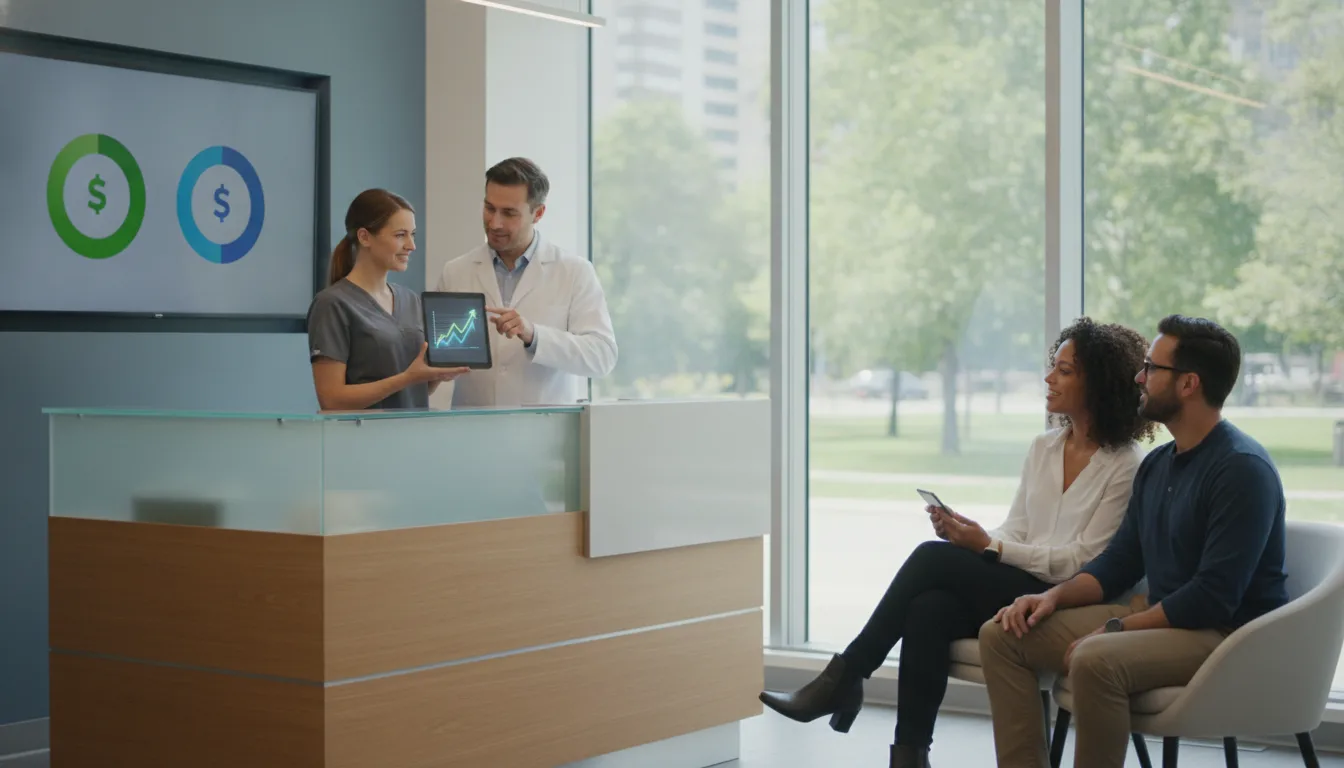
Summary: Reactivating an existing dental patient costs approximately $12, significantly less than the $312 average cost to acquire a new patient. Automation of reactivation processes reduces labor costs and increases efficiency, with software subscriptions ranging from $300 to $800 per month. This investment can yield a high return by recovering lost revenue from dormant patients.
The Tuesday morning status meeting ends, you look at your Open Dental dashboard, and realize that 400 patients who were due for hygiene last quarter haven't scheduled. You know they are there, you know they need care, but your front desk is buried under today's insurance verification and patient check-ins. You wonder how much does dental patient reactivation cost, and more importantly, why that number feels so different depending on whether you do it yourself or automate it. The reality of 2026 is that reactivating an existing patient costs roughly $12, a figure that is significantly lower than the $312 average cost to acquire a brand-new dental patient (The Big Bot, 2026). When you rely solely on manual outreach, you are paying for staff time that is often interrupted, leading to inconsistent follow-ups and missed revenue. Automating this process changes the cost structure entirely, shifting the investment from high-hourly-wage labor to predictable monthly software subscriptions that run in the background without burning out your team.
Key Takeaways -
Reactivation is significantly cheaper: Bringing back an existing patient costs roughly 25 times less than acquiring a new patient, with reactivation efforts costing about $12 compared to $312 for new patient acquisition.
- Using multiple communication methods together, such as text, email, and voice, can lead to better reactivation outcomes than relying on email alone.
- Automation stops staff burnout: Manual recall requires 2-3 hours of dedicated staff time daily, costing a practice $12,000-$18,000 annually in labor; software automation typically costs $300-$800 per month and recovers those hours (Dentplicity, 2026).
- ROI is found in recovered production: A well-run reactivation campaign targeting dormant patients can generate 10-15x returns on the monthly platform cost by recovering lost hygiene and restorative revenue.
- Integration is the primary barrier: The most successful reactivation workflows connect directly to Open Dental to ensure outreach stops automatically once a patient books, preventing duplicate messages.
At a Glance
| Strategy | Cost per Patient | Typical Reactivation Rate | Primary Effort |
|---|---|---|---|
| Manual Phone Calls | $25–$50 | 25–35% | High Staff Time |
| Automated Text/Email | $2–$5 | 5–12% | Low Staff Time |
| Multi-Channel (All) | $22–$40 | 30–42% | Managed Setup |
How Much Does Dental Patient Reactivation Cost (2026 Analysis)
When asking how much does dental patient reactivation cost, you must distinguish between direct campaign expenses and the hidden labor cost of manual work. A DIY manual campaign might look free on paper, but it effectively costs $12,000 to $18,000 a year in staff salary when a coordinator spends 2-3 hours daily on recall lists. In contrast, professional automation platforms range from $300 to $800 per month. When you break down the expenses, software subscriptions are the largest fixed cost, often ranging from $149 to $399 monthly for basic recall, while full-scale multi-channel automation platforms tailored for growing practices hit the higher end of the spectrum. Some vendors charge an upfront setup fee, usually between $500 and $2,000, though competitive providers often waive this to secure the account. Beyond these, you should account for variable costs like SMS message fees, which typically run $0.05–$0.25 per contact. The most effective way to manage these costs is to calculate your return on investment rather than focusing solely on the monthly subscription fee. If your software costs $400 a month and each reactivated hygiene patient brings in $500 of production, you only need to book three patients per month to break even. Most practices see significantly higher conversion rates, making the software a high-ROI investment. You can manage your internal templates with Dental Patient Reactivation Scripts to standardize your outreach without paying for expensive copywriting services.
Choosing the Right Technology for Your Practice
Picking a reactivation tool starts with one simple test. Does it fit into the system you already use, or does it sit beside it and cause trouble later?
Because you are already using Open Dental, the software should read your existing commlogs and stop outreach the moment a patient books. Outside tools that do not connect well can create ugly mistakes, like sending a reminder after someone has already finished a good visit and left the office. That is the sort of mess you only notice after the patient complains.
The workflow matters too. Look for a tool that can tag people by inactivity, check their last completed procedure, look ahead for scheduled visits, and exclude anyone you have marked do-not-contact. Platforms like Clinads are built around those kinds of flows, so the messages feel timely instead of mass-produced. If all you need is recall, do not buy a huge communication suite and pay twice for functions already sitting in your stack. Start by reviewing your current Open Dental eServices use. You may find you are already paying for features that sit idle, or that your current setup only needs a little adjustment before you bring in another vendor.
Strategies to Get More Private Dental Patients
Growth does not always come from high-spend Google Ads. It can come from getting more out of the private patients you already know.
Reactivation works well here because these people have already accepted your pricing and service level. That makes them far more likely to come back than a cold lead from a generic search. If you want more private patients, shape your messages around regular care and the steadiness of membership. A limited-time offer can help too, such as a discount on an exam or a complimentary fluoride treatment. Those offers tend to lift response rates.
If insurance checks are slowing things down for returning patients, use our Insurance Verification Script to make the front desk work less painful. Clean data matters. Up-to-date records mean that when someone decides to book again, they do not hit a wall at the last step. You can learn more about the setup by reviewing an Open Dental reactivation walkthrough.
Scheduling Coordination Tips for Dental Offices
Scheduling runs better when one person owns the reactivation list. Without that, the list grows, then keeps growing, until nobody wants to touch it.
Give one staff member the role of "Recall Captain". They can spend 30 minutes a day checking the automated list. That person does not need to place every call. The job is to confirm that the automation is behaving, and to handle the complicated cases the software sends their way.
A tiered follow-up plan helps. For patients inactive for 6-12 months, SMS and email are usually enough. Once inactivity reaches 18+ months, a personal call from your team makes more sense, since those relationships need a human voice to restart them. For more detailed tactical advice, read our guide on Unscheduled Dental Treatment Follow-Up: A 2026 Guide to bridge the gap between hygiene recall and restorative treatment. If your team is still overloaded, you may want to Talk to Clincy about how to implement AI-driven calls and texts that connect directly with your PMS.
Measuring Reactivation Results (2026 Guide)
If you cannot measure something, you cannot manage it well. Many practices stumble on reactivation because they treat it like a sporadic "batch and blast" effort, instead of a tracked workflow that keeps running in the background. Count the patients you contact, then compare that number with the appointments that are actually booked and kept. Set a monthly reporting rhythm, and review reactivation ROI every time it comes around. Use the formula: (Total Production from Reactivated Patients - Campaign Cost) / Campaign Cost. When ROI falls below 10:1, start with segmentation. You may be reaching patients who are too far gone, or your message may simply miss the mark. A steady feedback loop helps you adjust scripts and timing based on what actually gets people into the chair. For a detailed breakdown of how to track these metrics effectively, refer to our How to Measure a Dental Reactivation Campaign (2026 Guide). By focusing on these metrics, you move practice management away from reactive habits and toward proactive ones, and the schedule stays fuller without piling on ad spend.
Conclusion
Dental patient reactivation is not just marketing activity. It is an essential operational process that keeps the practice healthy and profitable. Reactivation costs roughly one-twenty-sixth of what you pay to acquire a new patient, so the existing database deserves attention first. That is the fastest route to higher revenue and stronger hygiene production. Manual recall work takes time, and it pulls staff away from the front desk. Integrated automation does the follow-up while your team handles patients in the office. Choose the right tools, segment the lists, and measure the outcomes, and stagnant records start turning into active, loyal patients. Begin with an audit of your current Open Dental settings (Open Dental, 2026). Assign clear ownership for follow-ups. Then deploy an automated, multi-channel approach. You already have the assets, the patients, and the potential. What remains is execution.
Frequently Asked Questions
Is automated reactivation better than personal calls?
Automation works better for consistency and scale. Personal calls handle complex objections more gracefully, and they help rebuild relationships with long-dormant patients. Top-performing practices use a hybrid approach. Automation covers most of the recall list. Staff time goes to the highest-value patients, and to people who have ignored multiple digital touches.
How do I know if my reactivation campaign is working?
Track the reactivation rate by dividing the number of reactivated patients by the total number of patients contacted in your campaign. A well-executed campaign should reactivate a meaningful share of the target audience. If the rate comes in low, review segmentation or test different messaging scripts to see whether engagement improves.
How often should I run reactivation campaigns?
Run reactivation sequences continuously, not as one-off events. Ideally, your software scans your Open Dental database every day and identifies patients who meet your outreach criteria. Patients then receive messages at the right time instead of waiting for staff to pull a list once every few months.
Will automated texts annoy my dental patients?
Automation does not annoy patients when it stays relevant and respectful. Make sure your system respects opt-outs, gives clear value, and stops the moment an appointment is booked. When messages feel personal and time-sensitive, most patients appreciate the reminder to keep up with oral health, especially when scheduling is easy.
Related reading
- How to Find Low Cost Clinics Without Insurance (2026 Guide)
- Dr. Joan Jerrido Camden: Handling Patient Complaints
Sources
Clincy completes new-patient intake by voice or SMS before the visit, then writes it back to your PMS.
Book CallMore from the blog
Unscheduled Dental Treatment Follow-Up: A 2026 Guide
Discover recovery of unscheduled dental care using follow-up scripts, automated workflows, and HIPAA-compliant AI tools to save time at your front desk.
How to Measure a Dental Reactivation Campaign (2026 Guide)
Master key KPIs for your reactivation campaign, from recovery rates to retention, and learn to optimize for predictable monthly revenue in 2026.